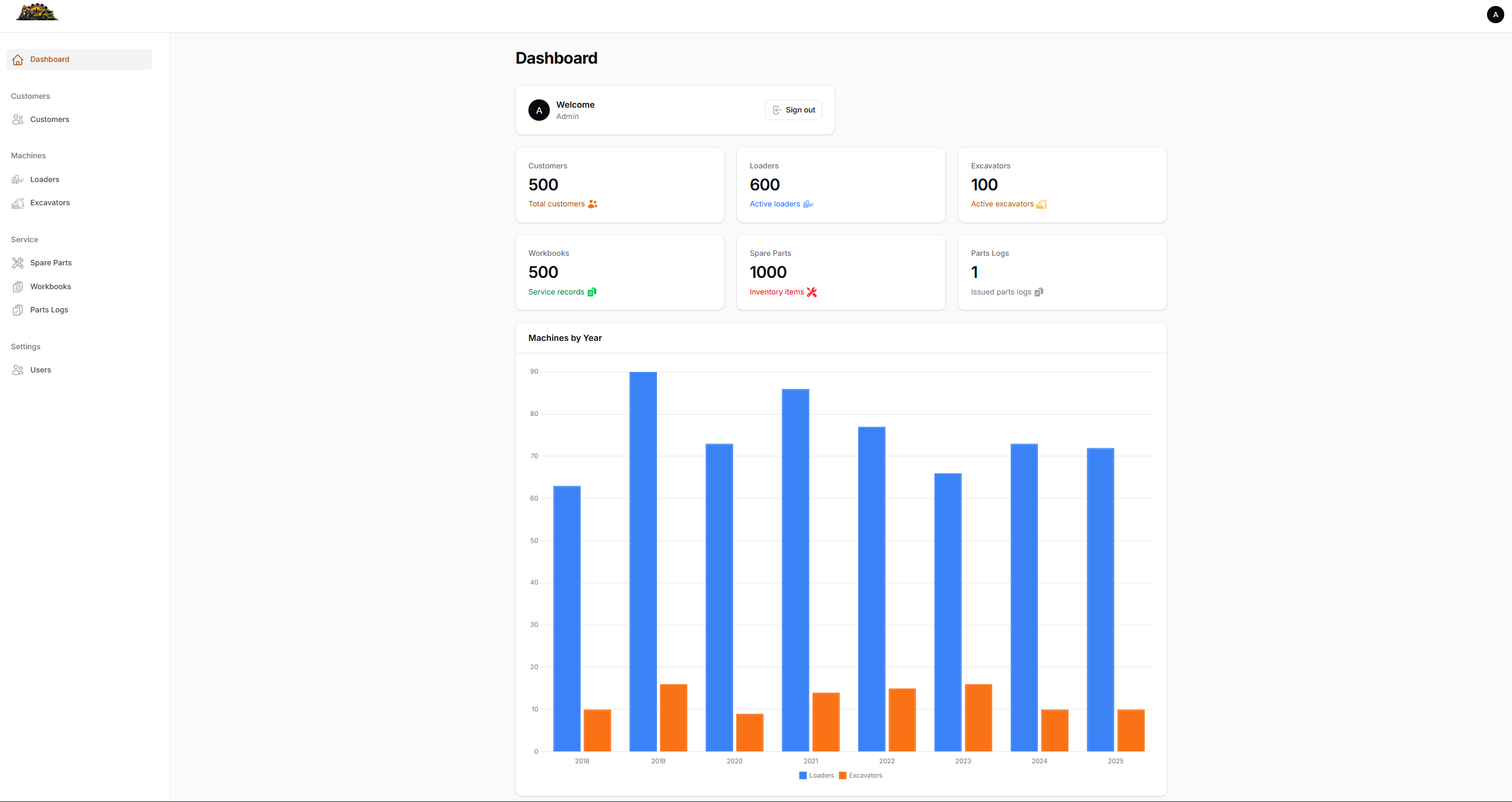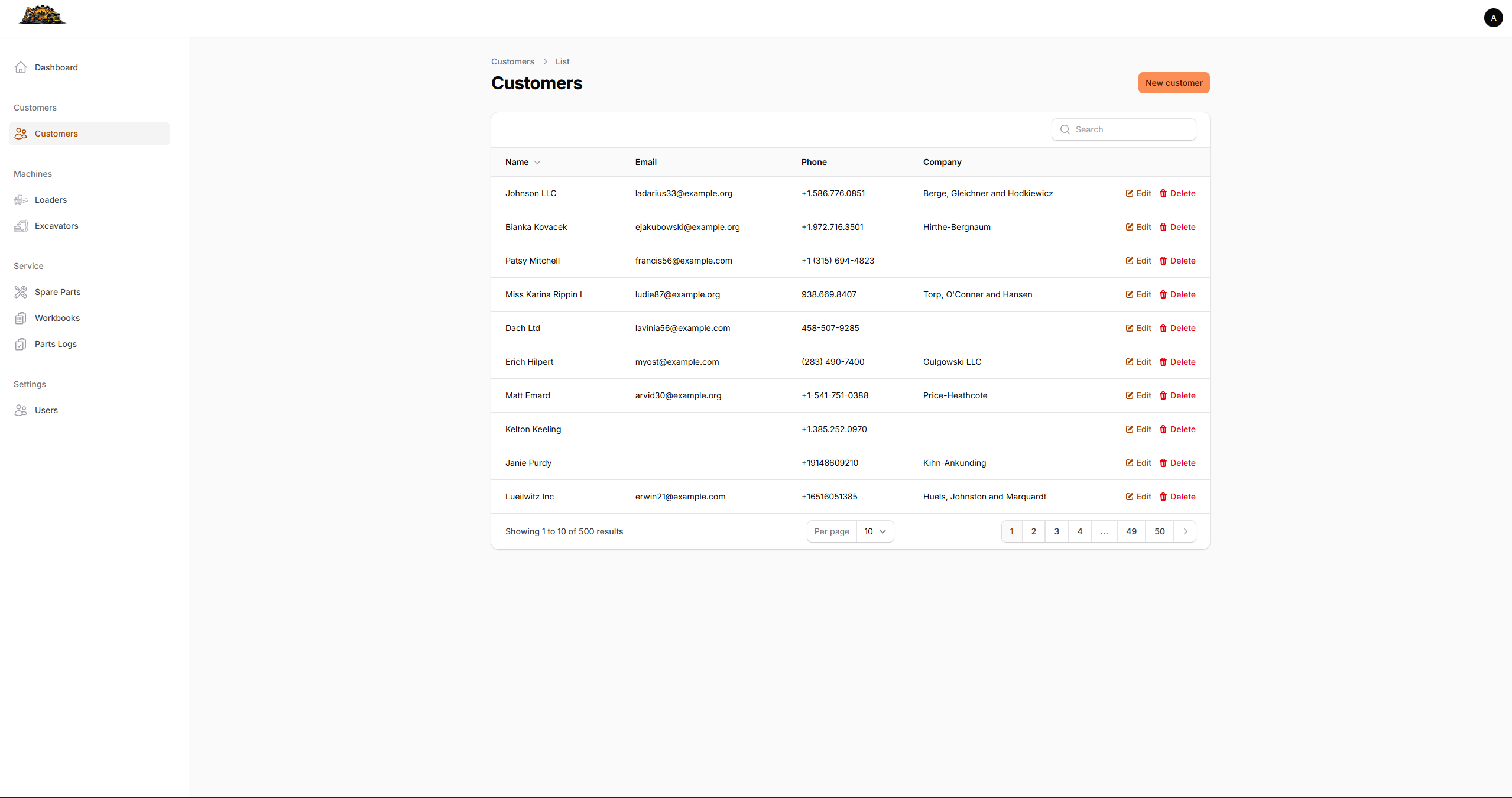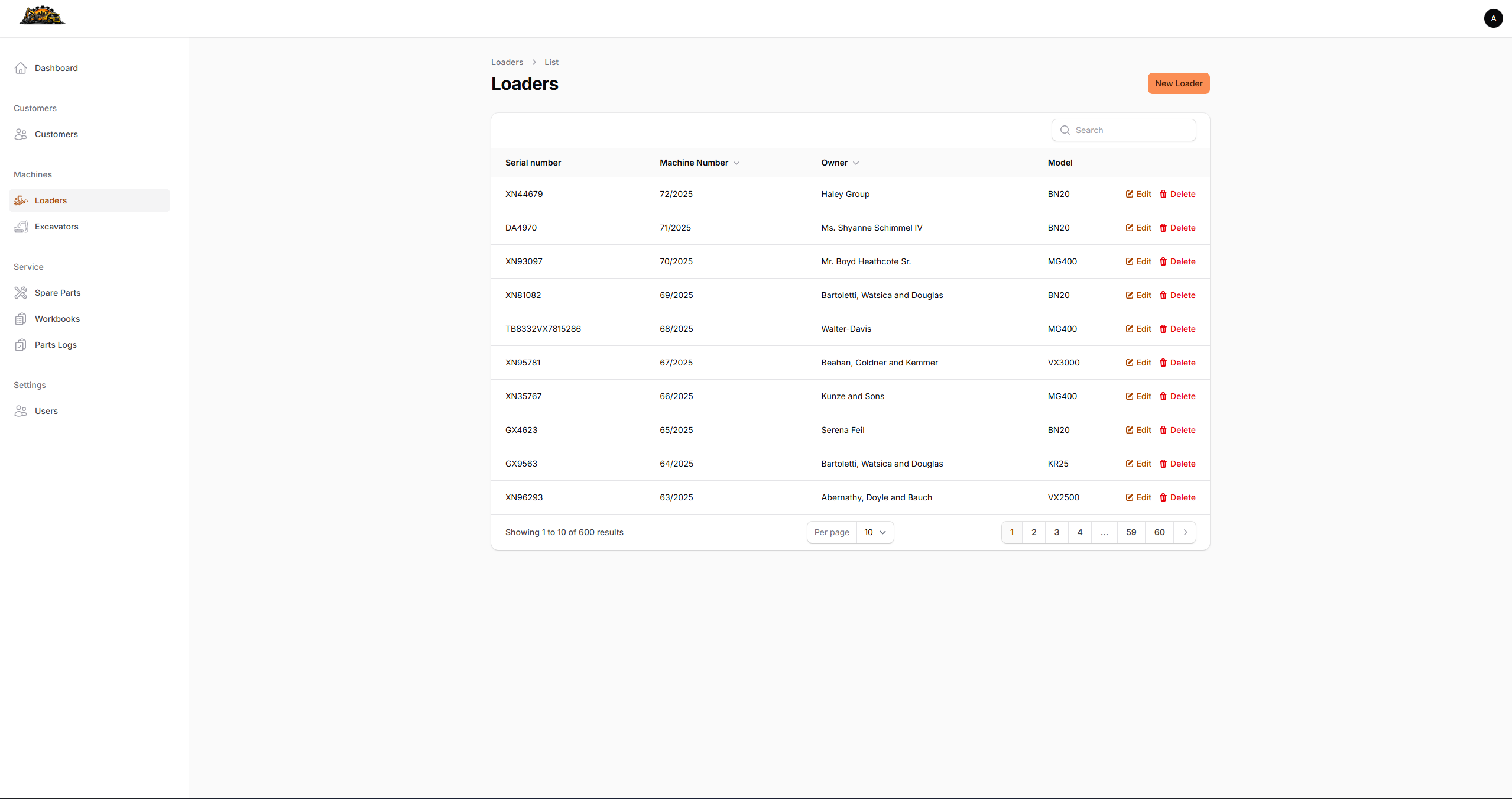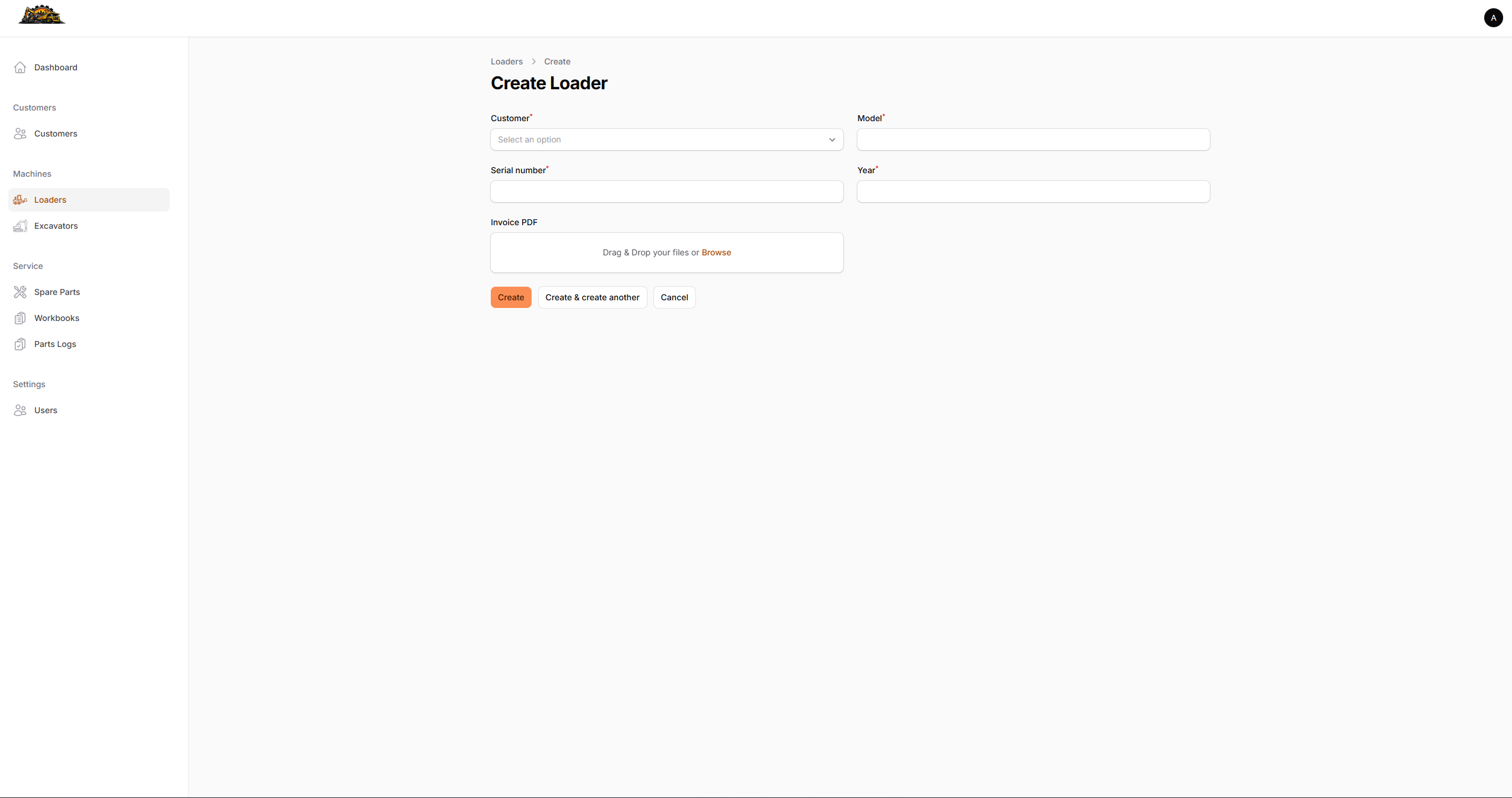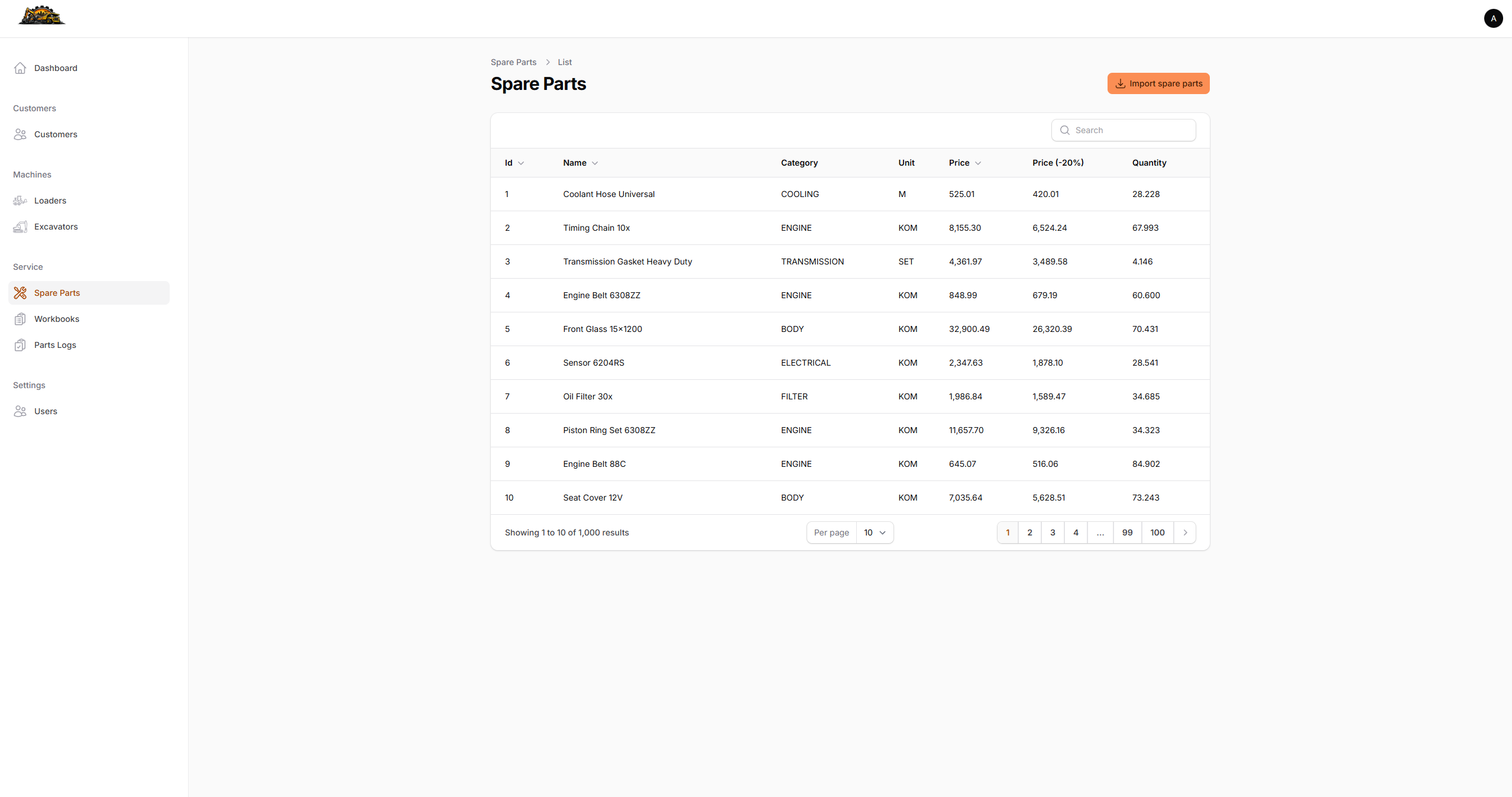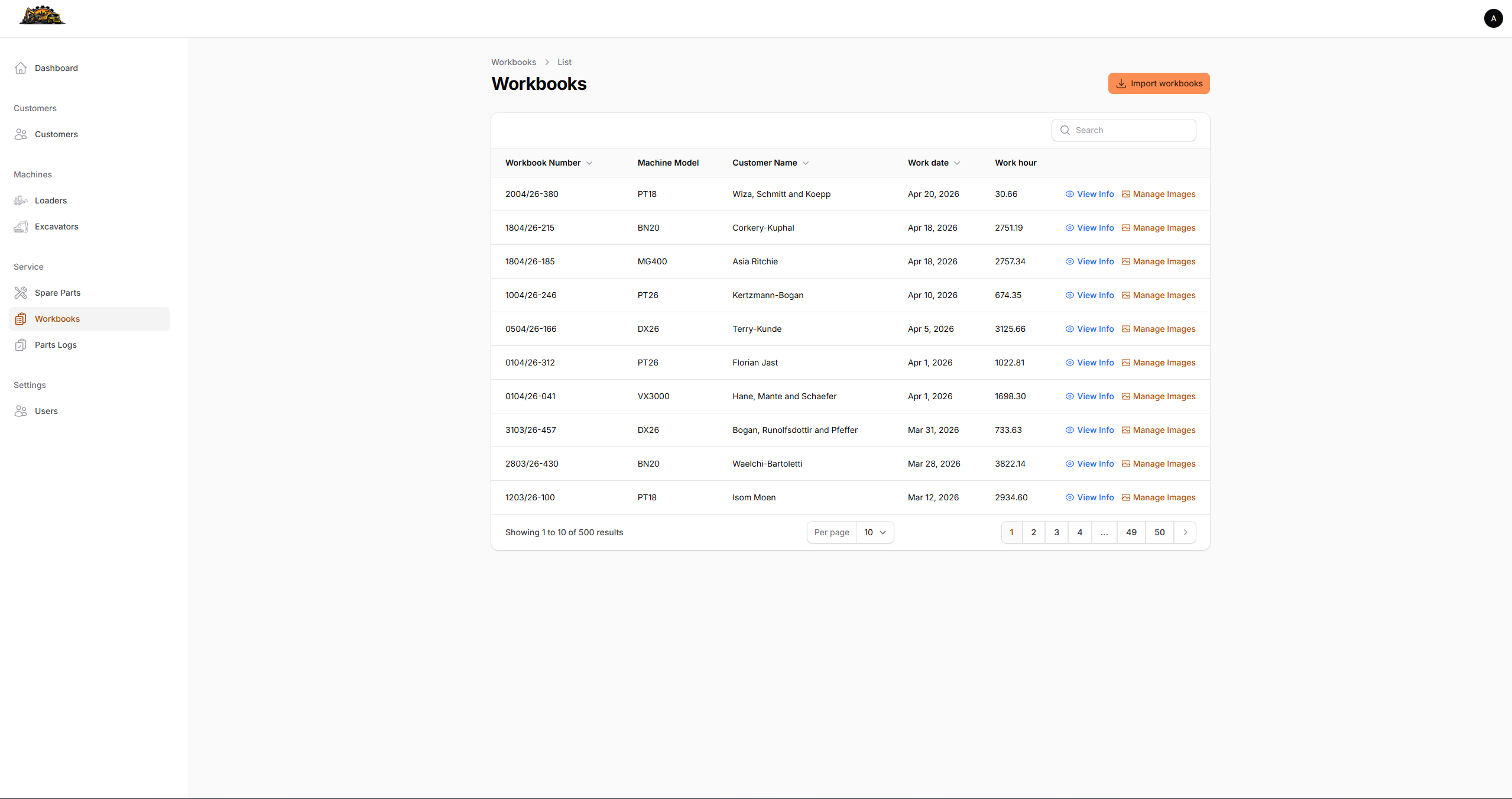





Every service record was tracked in a spreadsheet. Machine numbers were assigned by hand, spare parts were counted from a printed list, and workbook history lived in disconnected Excel files. When a customer called about a past repair, finding the record meant searching through folders manually.
This project replaces that workflow with a structured, role-based admin panel.
The Problem
A heavy machinery service operation needed to replace a fragmented spreadsheet-based system. Customer data, machine fleet records, service workbooks, and spare parts inventory were maintained in separate files with no links between them. There was no audit trail for parts usage, no way to attach photos to a service record, and no mechanism to track which parts had been issued to which customer.
What It Does
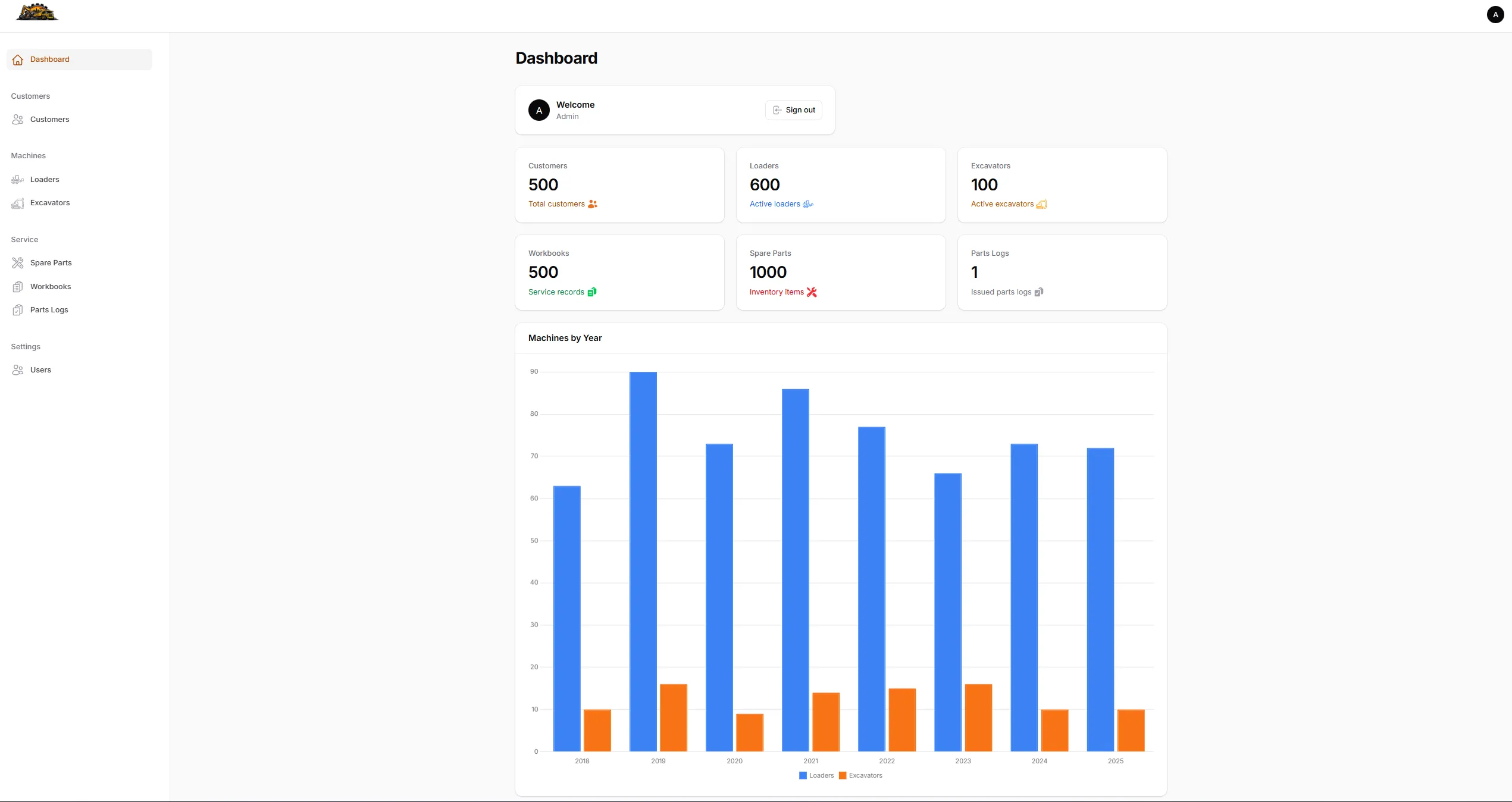
Filament CRM covers the full operational lifecycle of a heavy machinery service business:
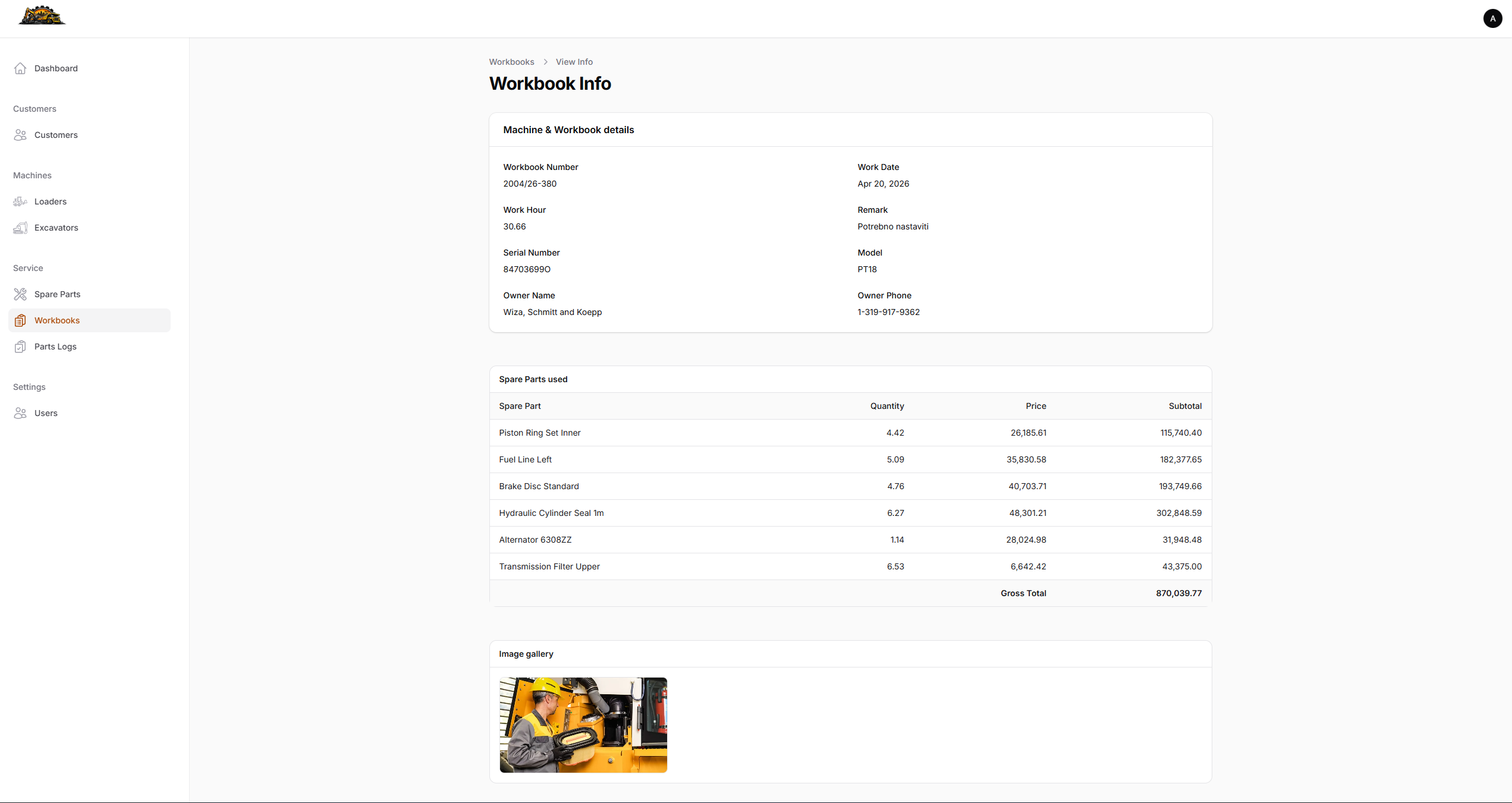
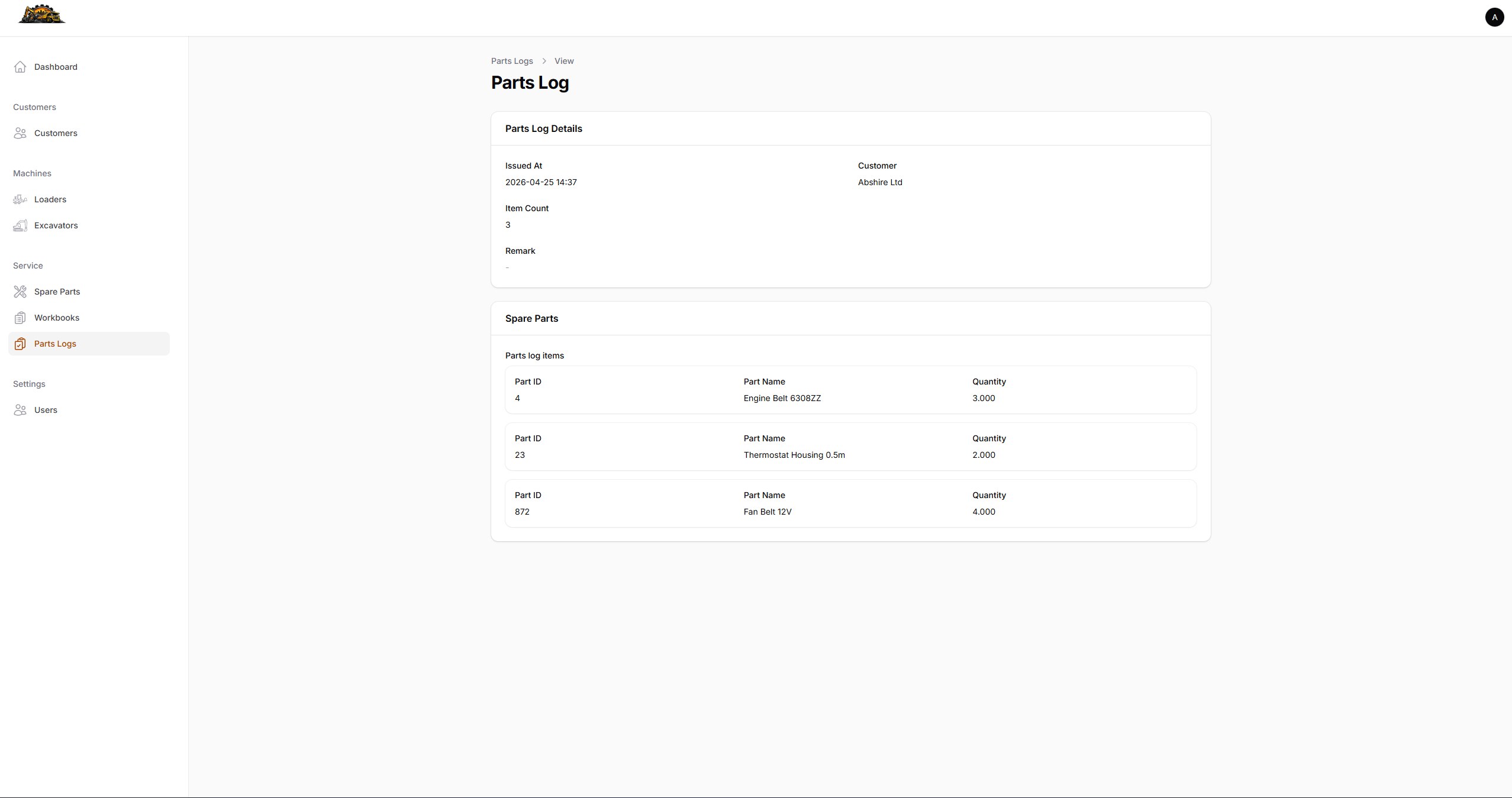
A service manager registers customers and their machines. Each machine is automatically assigned a sequential number scoped by year and type — loaders and excavators are numbered independently, resetting each year (e.g. 47/2025). Service workbooks are imported from an ERP system via CSV and linked to machines by serial number. Spare parts usage is tracked per workbook with gross totals. Photos can be attached to any workbook and viewed in a lightbox gallery. When parts are issued to a customer outside of a service job, they are logged in the Parts Log with an invoicing status toggle.
Architecture
Built as a pure Filament v5 admin panel on top of Laravel 13. No Inertia, no Vue — every page, table, form, and action is a Filament component rendered server-side via Livewire. This makes the codebase lean and maintainable: adding a new resource is a single PHP class, not a backend route plus a frontend component plus an API contract.
Key Technical Decisions
Machine number generation is handled by an Eloquent Observer rather than a database sequence. On every creating event, the observer queries MAX(machine_number) + 1 scoped to the same (year, type) pair. On updating, if either year or type changes, the number is recalculated for the new scope, excluding the current record to avoid self-conflict.
public function creating(Machine $machine): void
{
    $machine->machine_number = $this->nextMachineNumber(
        (int) $machine->year,
        $this->normalizeType($machine->type),
    );
}
CSV import pipeline — spare parts and service workbooks are delivered as semicolon-delimited CSV files from an external Clarion ERP via FTP. Three queued Laravel jobs handle the sync: ImportSpareParts, ImportWorkbooks, and ImportWbDetails. Each job uses league/csv for stream parsing, normalizes decimal and date values before comparison, and updates existing records only when data has actually changed — avoiding unnecessary database writes on repeated imports.
ERP ID preservation — spare parts, workbooks, and workbook detail lines use non-auto-incrementing primary keys that match the ERP’s own IDs. This makes cross-referencing between systems unambiguous: ID 01349 in the CRM is always the same part as ID 01349 in the ERP.
Workbook info page — rather than a standard Filament view page, the workbook detail screen is a custom ViewRecord page with a hand-written Blade view. It eager-loads machine.customer, wbDetails.sparePart, and images in resolveRecord() to avoid N+1 queries, renders a dual-layout spare parts table (stacked cards on mobile, full table on desktop), and resolves image URLs via Storage::temporaryUrl() with a fallback to Storage::url() for drivers that do not support signed URLs.
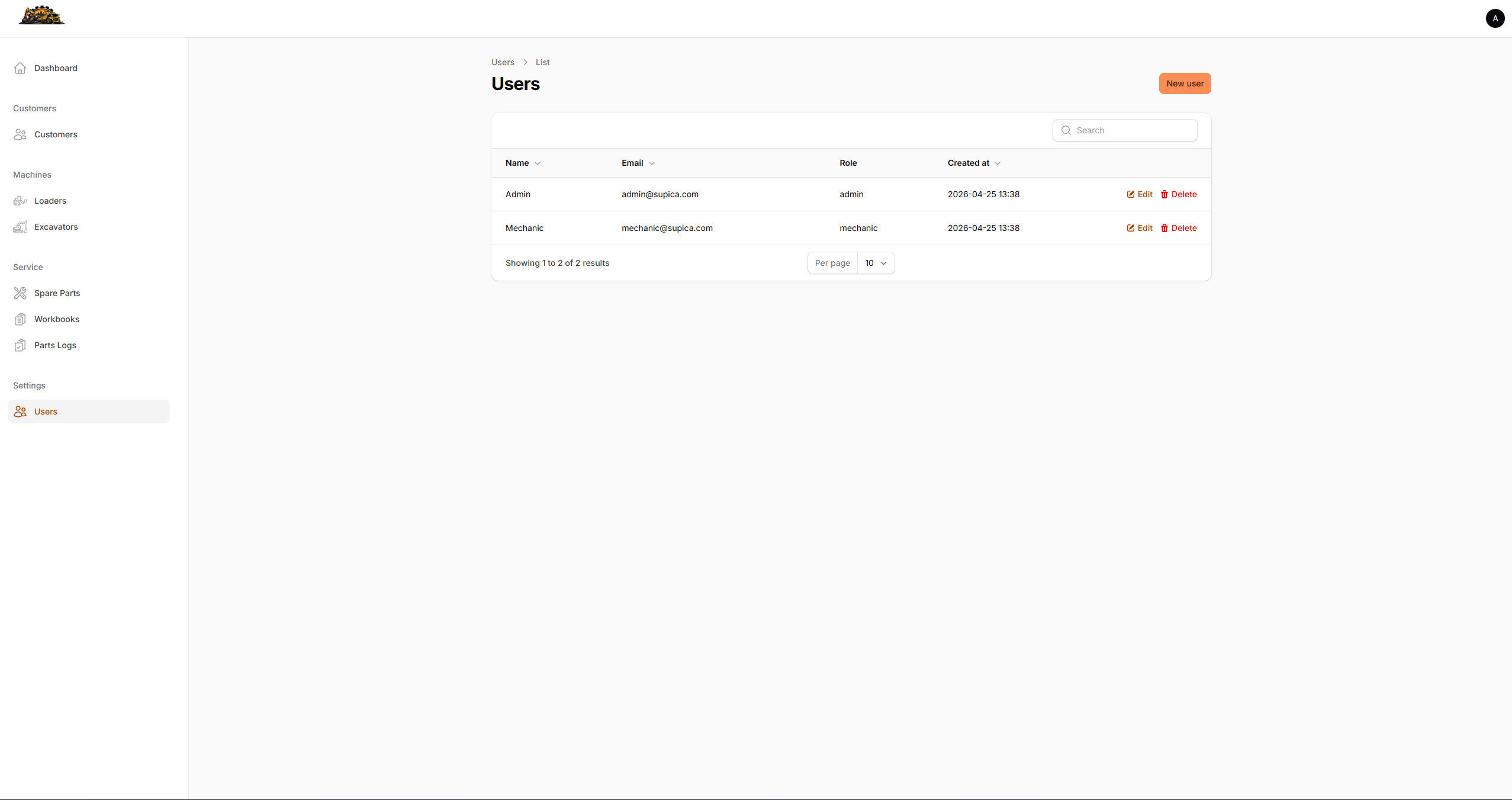
Role-based access — Spatie Laravel Permission provides two roles: admin and mechanic. Mechanics get read-only access across all resources but retain the ability to upload and delete workbook images. Import actions, create/edit/delete operations, and user management are admin-only, enforced at both the resource authorization layer and the UI action visibility level.